
This product is sold out. May we recommend...
)
)
)
)
)
)
)
)
)
)
)
)






)
Sorry, this product is no longer available
Key Features
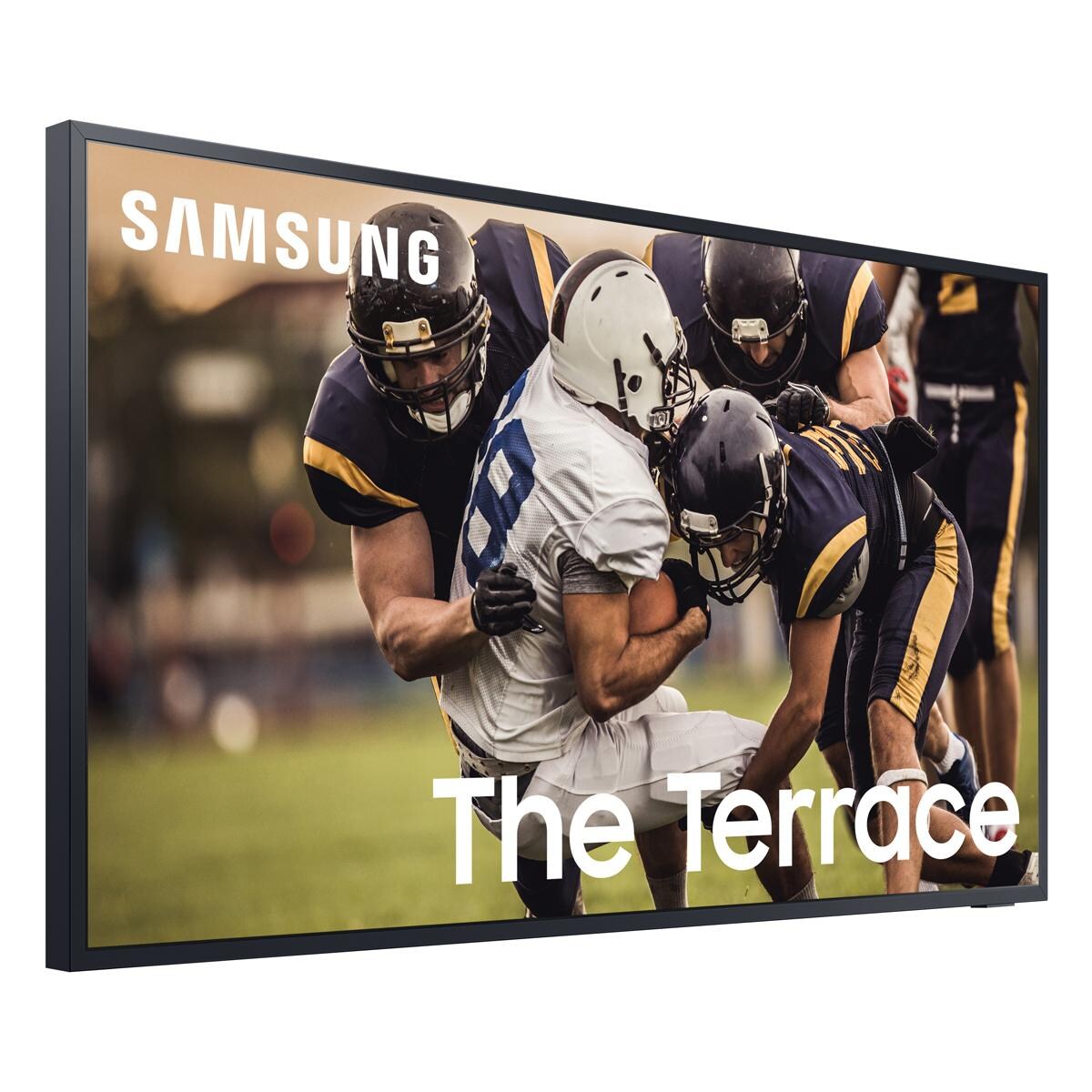
- Best in class IP55 weather-resistant durability against water & dust
- Smart TV powered by Tizen - Super easy control & enhancements that elevate watching experience
- Motion Rate 240 - Enjoy great motion clarity during fast-action moments
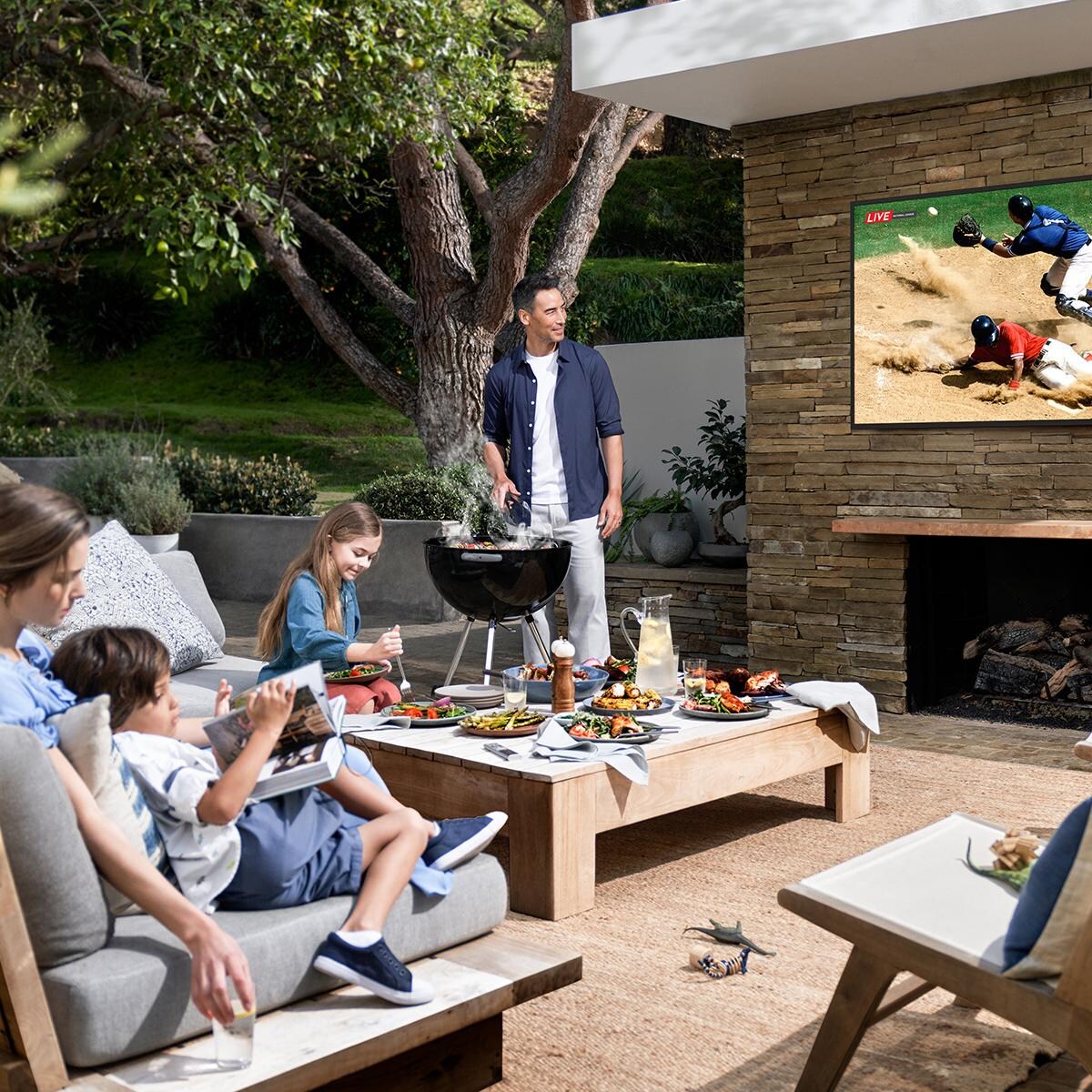
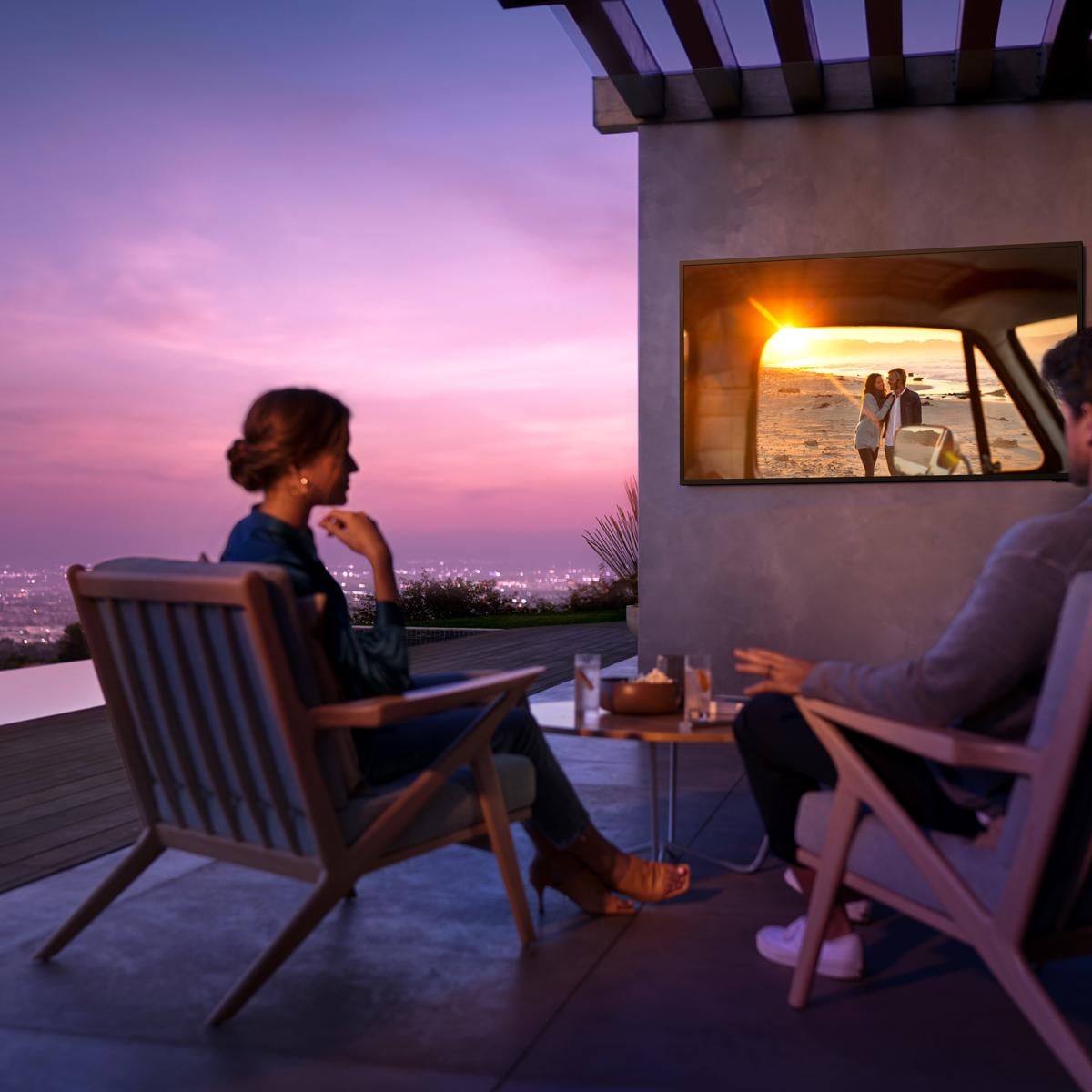
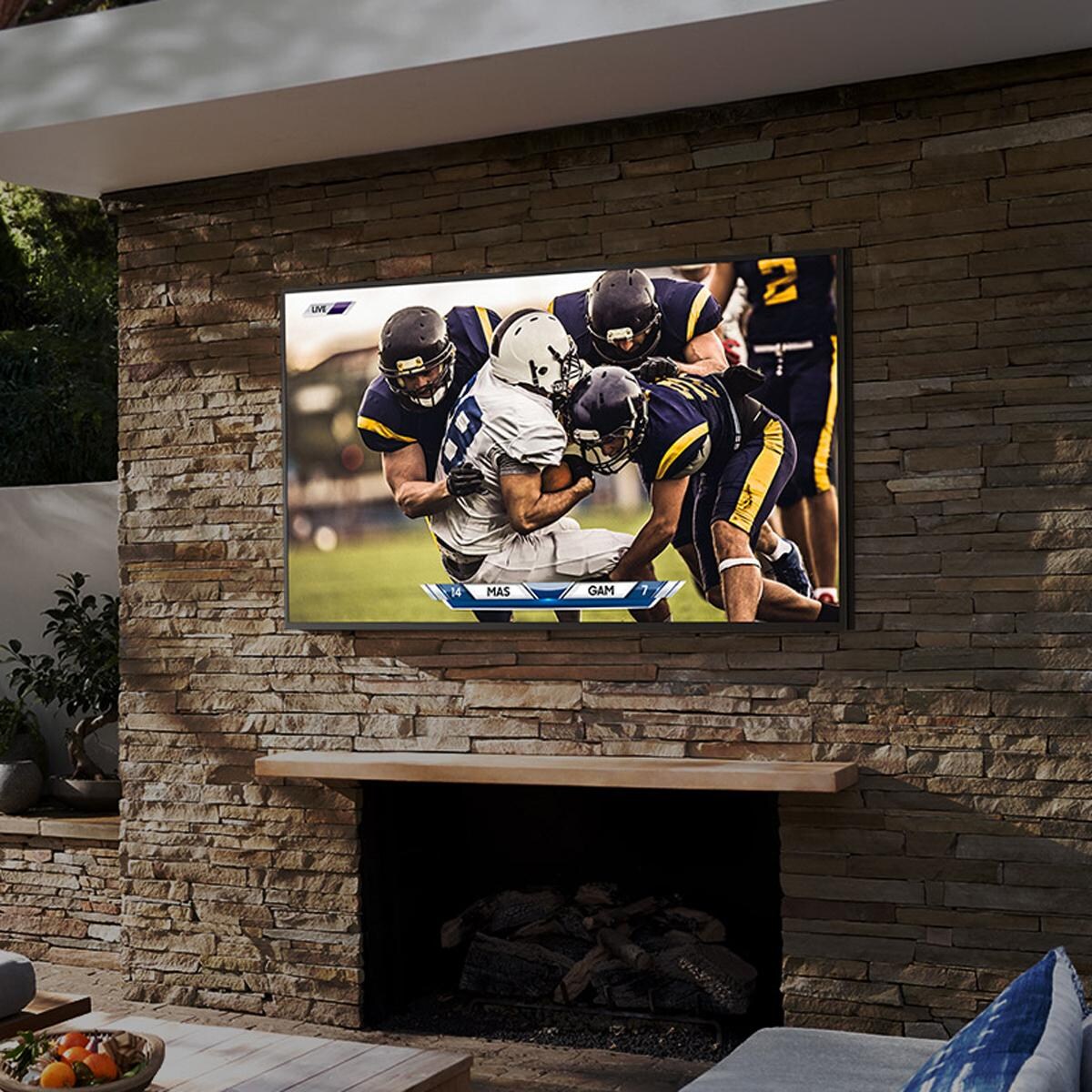
- Designed for use in shaded environments - partial exposure to ambient/non-direct sunlight
Legal disclaimers and warnings
Product packaging, owners’ manuals, installation instructions, and/or operating instructions may include more information than what is shown on our website. The content on our site is intended to be used for reference purposes only. Please fully read all included manuals and documentation before installing or using this product. WARNING for California residents: this product may contain chemical(s) known to the state of California to cause birth defects, cancer, or other reproductive harm.
)
Ask an Expert
Expert Help, Zero Hassle
Stop Searching, Start Living
Advice We Stand Behind
Learning Center
Warranty
Refer to manufacturers manual for full warranty details.
Customer Reviews
Ct
Mar 5, 2024

Overall, I am happy with the TV. The colors are outstanding. The only knock on it is the clarity. Even after adjusting the picture settings to many different configurations, I feel as though the picture could be a bit sharper. It's not terrible, but could be better in my opinion.
undisclosed
Mar 5, 2024
The picture. The sound. Worth it! I stayed from Samsung once but never again.
undisclosed
Mar 3, 2024
We have a higher end Samsung smart TV and have been through 2 successive other non Samsung brand soundbars that were recommended to us by 2 other vendors. Both were difficult to set up any had constant problems. My home office IT pro suggested I contact Samsung and order a Samsung brand soundbar. I used the text box chat on the website and the sales rep answered all my questions and recommended this one. Unlike the other sound bars, it truly was "plug and play" with our Samsung TV and is working beautifully.
Covington GA
Mar 2, 2024
I love this television the picture is beautiful and big enough for the space. The set up was super easy and I love the remote control via my phone.
Philadelphia PA
Feb 29, 2024
Bought this a week ago and I'm very pleased with the quality of the product! Great Picture!Excellent Sound Quality!
Charlottesville, VA
Feb 29, 2024
Absolute garbage! Always disconnecting from wifi & the tv, so I had to spend even more money to get an optical cable which kinda goes against this things primary function as a wireless sound bar that works with your tv. Don't buy it, get a better quality product, I know I regret buying it.
Nov 24, 2025
Hello Former Loyal Customer, I’m sorry to hear you had a frustrating connection issues with your HW-S60B. If available, we recommend using the HDMI connection to your TV. Connecting your soundbar to a TV through HDMI will provide the best audio and user experience, often eliminating any connection or delay issues you may be experiencing. There are a few steps you can take to troubleshoot your Soundbar. First, try doing a soft reset, unplug the soundbar from the outlet for roughly 30 seconds and then plug it back in. Next, update the firmware on your soundbar. The easiest way to accomplish this would be to download the SmartThings app and connect your Soundbar to Wi-Fi. This will allow you to not only download any firmware updates but also control your entire soundbar on the screen of your smart device. Please also verify that you are running the latest firmware on your TV. You can check to see what software version your TV is using and if there is an available update through the settings on your TV. Go to: Menu > Settings > Support > Software Update. If this still does not correct your issue, then do a hard reset. With the Soundbar on, press the + & - Volume buttons on the body of the soundbar at the same time for at least 5 seconds. The LED display changes as follows: White moves from left to right and right to left, and the middle LED blinks Cyan 3 times. Then the middle LED will blink RED and turn off. If you need more help, Samsung is here for you. Please call us at 1-800-SAMSUNG, 8AM - 12AM EST (Ask for Soundbars), 7 days a week. Our Live Chat agents are also available by clicking on the ‘Support’ link on our website. ~ Samsung Solutions
Royal Oak, MI
Feb 28, 2024
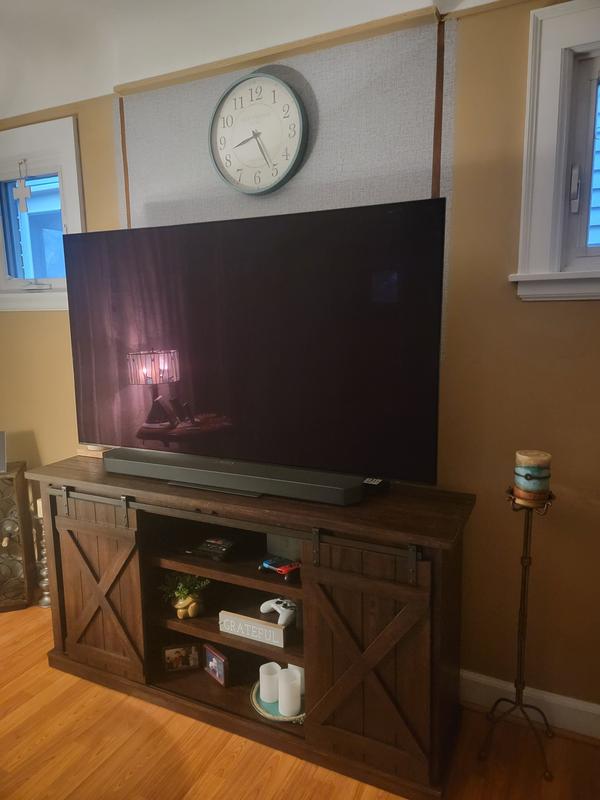
I own 4 Samsung TV's. 3 of them are Q Led and I love everything about them. Decided to get a larger 65in screen and jumped up to the O Led. Wow, what a amazing picture. It's the thinnest TV I have ever owned. I use an antenna and stream my viewing, so of course some of the over the air channels are not HD crystal clear but all my streaming Apps are amazing. I was a bit reluctant to spend the money but so glad I did now.
Brazoria texas
Feb 27, 2024
I have had it a week but some level of unhappiness. Picture quality is way less than expected. Last tv purchased 23 years ago, Sony Bravia. The smart features are not so smart. No volume control without using an app. Not yet figured out how to remove over the air antenna channels. Not yet figured out how to switch easily between my Roku Ultra, over air and smart Samsung channel. My Roku no longer has the volume control over the Roku remote.
Nov 24, 2025
Hi Msd Samsung, Thank you for your purchase and feedback on the Samsung CU7000 TV. It's unfortunate to hear that you are not satisfied with your new TV. I have a few recommendations that may improve your experience. First, please know you can control the volume on your TV through your remote control. To control the volume of your TV, press the +/- button up to increase the volume and down to decrease the volume. To mute the sound, press the button. You can learn how to use your Samsung Remote by going to Home> (left directional button) Settings> Support> Remote Control Guide. Samsung TV Plus channels can be disabled, which removes the channels from your default guide. Should you want to disable TV Plus, follow the steps below: 1) Navigate to the Samsung TV Plus app and press and hold the enter or select button on the remote. This will bring up two options. ‘Move’ and ‘Remove.’ 2) Navigate to ‘Remove’ and select. This option brings up the ability to remove the app icon or disable the service. 3) Navigate to ‘Disable’ and select. This will remove the service from the launcher bar and the channels from the TV Guide. Alternatively, you can leave TV Plus enabled and utilize the Autorun Last App feature to automatically start the last app you used once the TV is turned on. To enable this feature, follow the steps below: 1) Navigate to Settings > All Settings> General > Smart Features > Autorun Smart Hub 2) Enable the Autorun Smart Hub feature 3) Navigate to Settings > General > Smart Features > Autorun Last App 4) Enable the Autorun Last App feature If you are not satisfied with the picture you are seeing, there are picture settings available you can adjust. Go to Home > Settings > All Settings > Picture > Picture Mode and select the mode that best fits your usage. You can also go to Settings > All Settings> Picture > Expert Settings > to manually fine-tune your image. If you’d like more help with settings, we are always happy to help! Call us at 1-800-SAMSUNG, 8 AM - 12 AM EST, seven days a week. Or visit us on the Samsung website and click on the ‘Support’ link for: 1) LiveChat 2) Manuals, Software, & Warranty Info ~ Samsung Advisor
Colorado
Feb 27, 2024
I got this for the bedroom. I only stream and the picture is great and load times are near instant over wifi
undisclosed
Feb 25, 2024
Bought this TV a couple weeks ago and it has been amazing
Questions & Answers
Be the first to write a question!
Compare Similar Items
Current Item | ||||
TV Type | LED | LED | LED | LED |
|---|---|---|---|---|
Screen Size | 74 1/2" | 75 Inch | 75" | 75" |
Screen Resolution | 2160p/4K Ultra HD | 2160p/4K Ultra HD | 2160p/4K Ultra HD | 2160p/4K Ultra HD |
Smart TV | Yes | Yes | Yes | Yes |
Mount Type | No Mount | No Mount | Wall Mount | Wall Mount |
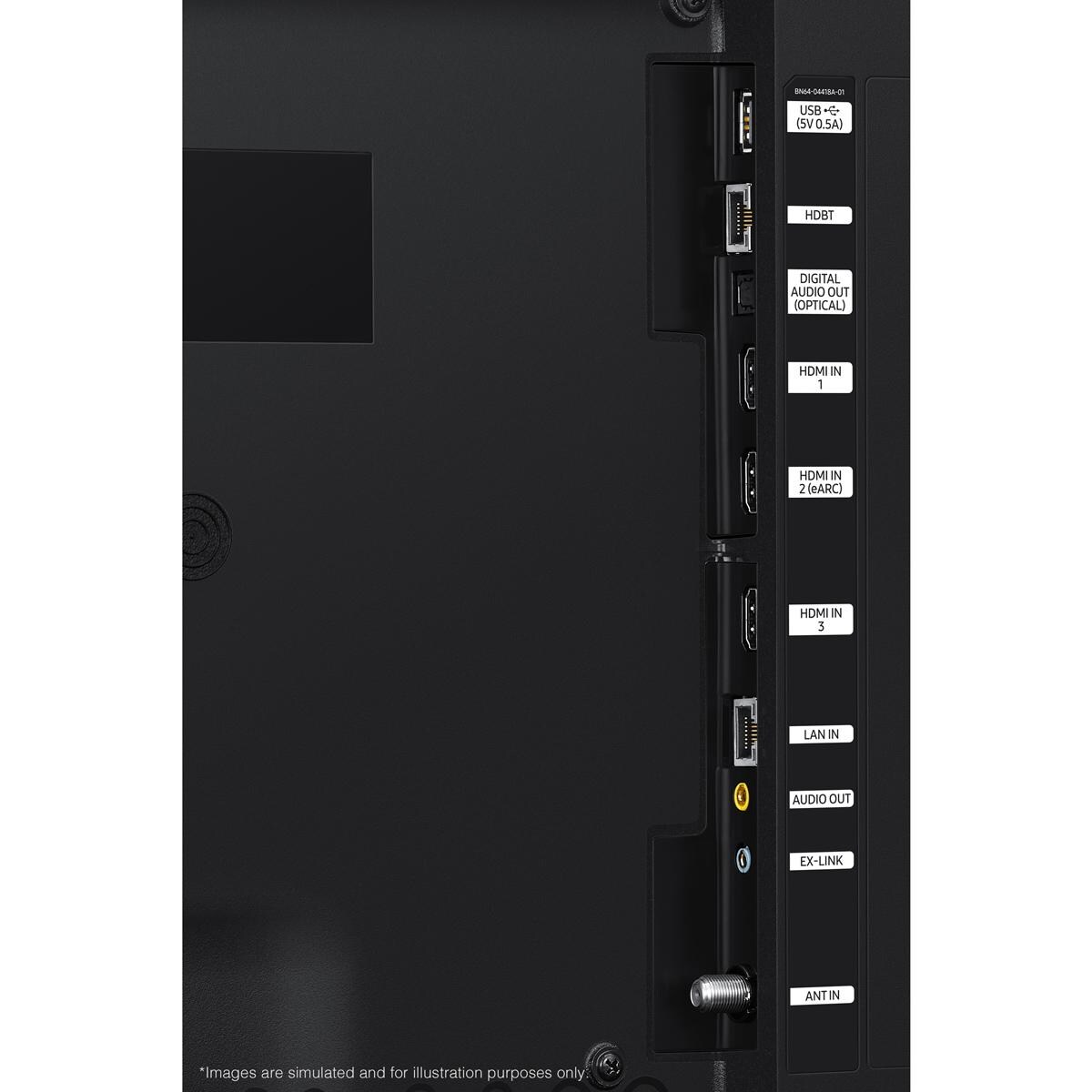
HDMI Inputs | 3 | 3 | 3 | 4 |
Size | 75 Inch | 75 Inch | 75 Inch | 75 Inch |
Screen Refresh Rate | 120 Hz | 120 Hz | 60 Hz | 60 Hz |
Mount Pattern | 400 X 400 | 400 X 400 | 200 X 200 | 300 X 300 |
Primary Color | Black | Black | Black | Black |
Aspect Ratio | 16:09 | 16:9 | 16:09 | 16:09 |
Maximum Resolution | 3840 X 2160 | 3840 X 2160 | 3840 X 2160 | 3840 X 2160 |
USB Port | 1 | 1 | 2 | 1 |
Sun Exposure | Partial Sun | Partial Sun | Full Sun | Shade |
Component Video Inputs | None | None | None | -- |
Composite Inputs | None | None | None | -- |
PC Input | No | No | Yes | Yes |
RF Antenna Input | Yes | Yes | Yes | -- |
Audio Outputs | 1 | 1 | None | -- |
Speaker Output Power | 20W | 40W | 20W | -- |
Ethernet Port | Yes | Yes | Yes | Yes |
Operating Temperature | 0 To 122 | -22 To 122 F | -24 To 125 | -22 To 125 |
Series | The Terrace | The Terrace | S300 | G100 |
Width | 66.6" | 66.6" | 65.7" | 65" |
Height | 38.6" | 38.6" | 37.7" | 37.8" |
Depth | 2.4" | 2.7" | 1.1" | 3" |
Weight | 111 lbs | 111 lbs | 88 lbs | 110 lbs |
)
Proposition 65
For more information, go to www.p65warnings.ca.gov
Shipping & Returns
Free Shipping on orders over $49
Ship your entire order to your home for free, especially the big stuff!
*Continental US only
When will my item arrive?
Once shipped, items usually arrive within 3-5 business days. While UPS and FedEx are our carriers for smaller items, be aware that larger items and orders are shipped via freight. The freight process is a bit more complicated than what we've all come to expect for small parcels, so it's important that you're prepared and understand what's required of you well before delivery day.
- Most freight products ship on a pallet
- Some carriers will call to schedule a delivery window, while others will deliver the shipment to a reasonably accessible location closest to your residence (their goal is to deliver as near a garage door as they can).
- We'll specify which process you can expect in your shipping confirmation email.
For carriers that schedule delivery appointments:
Carriers that schedule delivery appointments require you to be home for delivery and provide your signature. The delivery is made with a semi-truck with lift gate services, and the shipment is dropped off at the curb. If you authorize the shipping company to leave the delivery without a signature, BBQGuys can't be held responsible for damages that occur during delivery. As complicated as this process may seem, we've only scratched the surface here — please review our detailed guide to freight delivery so there are no surprises when a freight shipment heads your way.
For carriers that deliver without an appointment:
Carriers that deliver without an appointment don't require you to be home or set up a delivery window, and you aren't required to sign for the pallet(s). Instead of scheduling an appointment, arranging your schedule to be home for the delivery, and signing to confirm receipt, you can sit back and let your items come to you. If you're home at the time of the drop-off, you can request the driver place your delivery in the garage; if you're out of the house, the driver will leave it near the garage or doorstep.
This item leaves our warehouse within 24 Hours
$49 Flat-Rate Shipping
Anything under $49 ships at one low price. If your order increases, your shipping stays the same!
30-Day Returns
Return all new, unused, and unassembled items in their original packaging, and we'll give you a full refund minus the cost of the original AND return shipping.
No Restocking Fee
Most companies charge a restocking fee. We just don't do business that way.

